Auto-synced lines
Each lyric line is aligned to the vocal to give you a timed starting point.
Put your lyric on screen in time with the vocal: auto-sync the lines, adjust any that drift, and export a video for release day.
Ready-to-use songs
Synced lyricslet people read along
Give listeners the lyric you worked on, line by line, exactly when it is sung.
A lyric video fails when the words drift away from the voice. Auto-sync handles most of the alignment, and you can drag the start and end of any line to fix the rest.
Style presets keep the text readable and consistent. Choose an aspect ratio that matches where the video will live: 16:9 for wide screens, 9:16 for phones, or 3:4 and 4:3 for feeds.
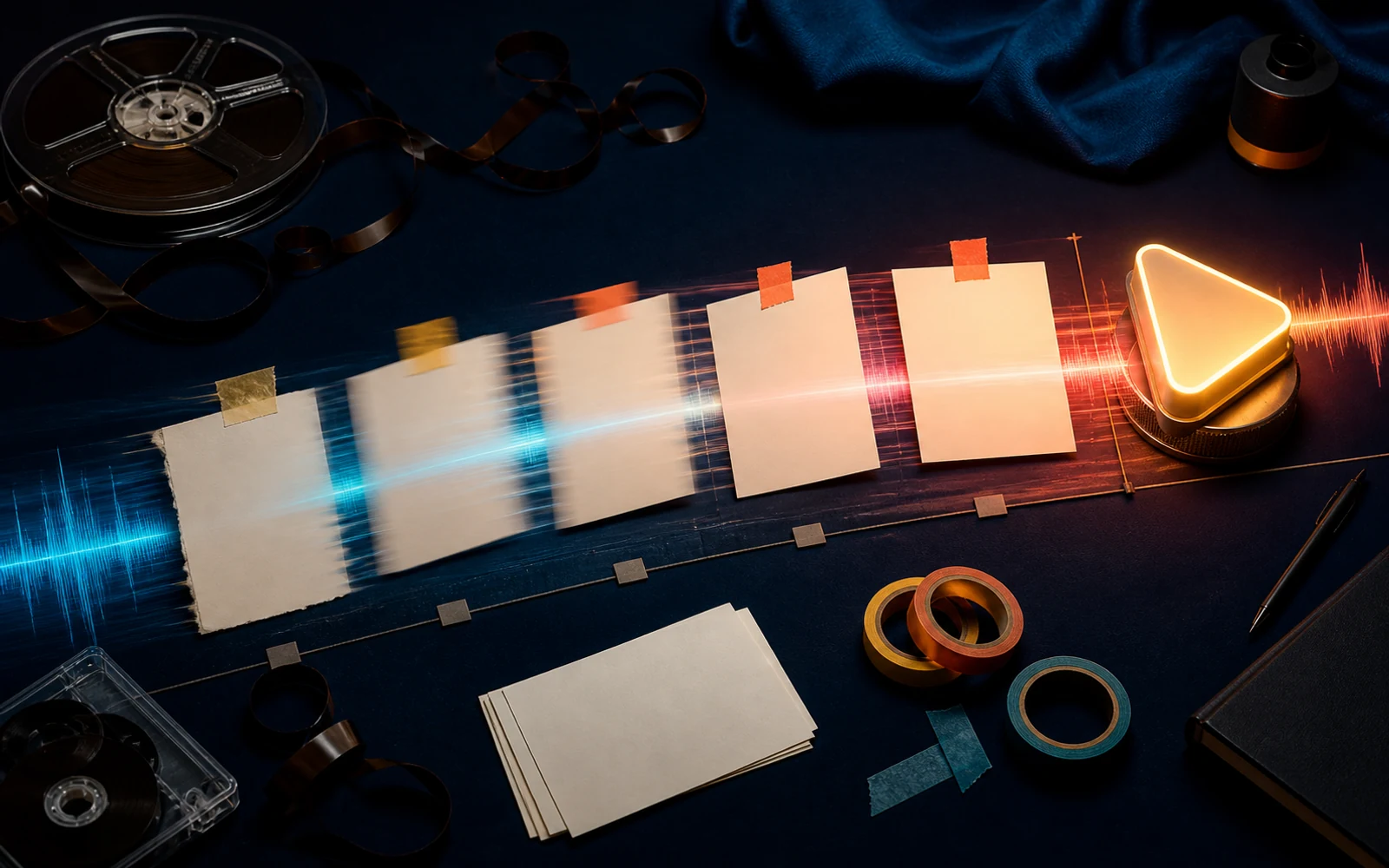
For songwriters, a lyric video is the fairest way to present a song: the words are the point, and now people can read them. SeedSong AI syncs each line to the vocal automatically so you start from a timed draft.
Adjust any line that lands early or late, pick a style preset, and export an MP4 for streaming, social or a pitch email.
Each lyric line is aligned to the vocal to give you a timed starting point.
Drag a line's start or end to match the performance exactly.
Choose a style preset and export MP4 in 16:9, 9:16, 3:4 or 4:3.
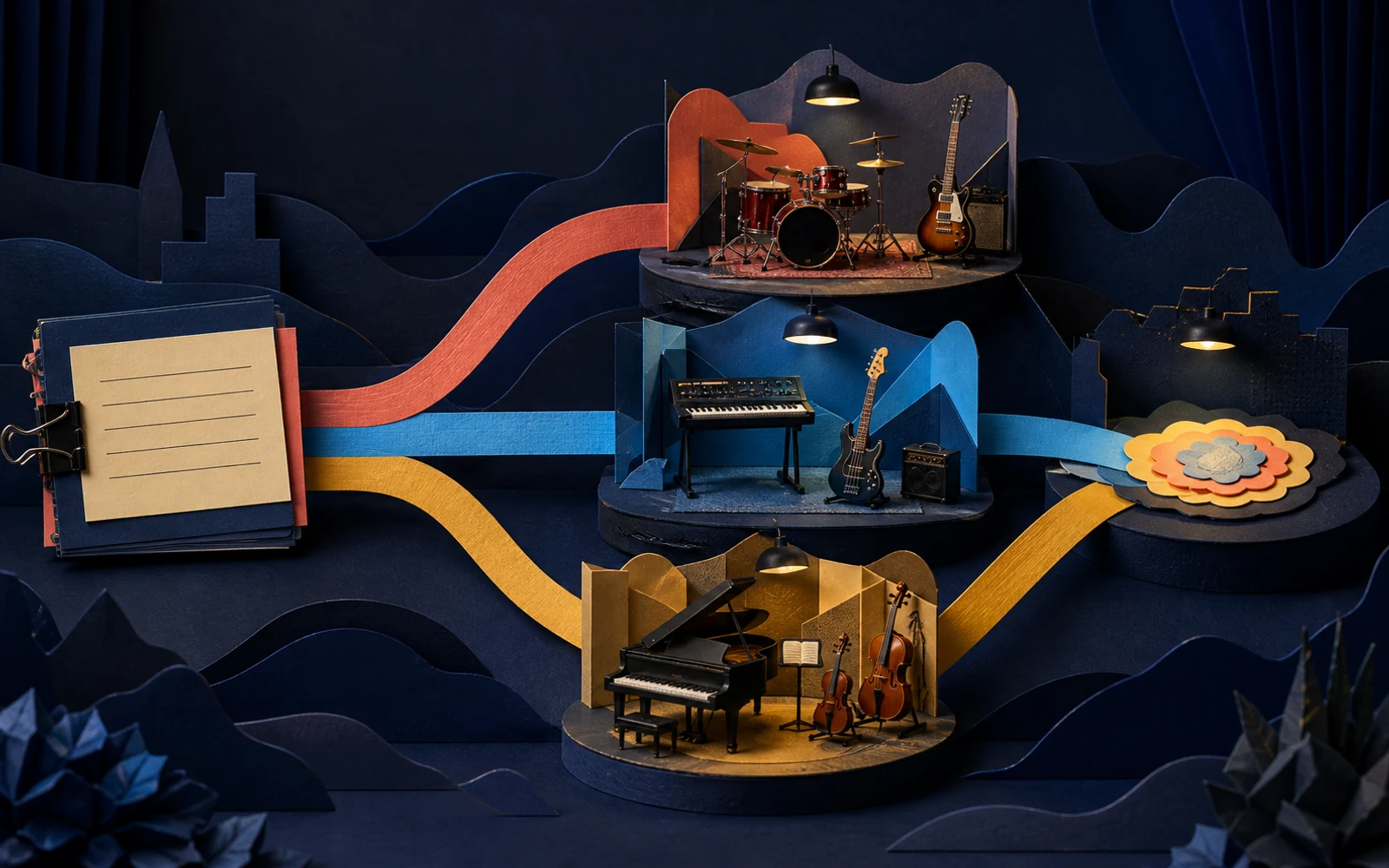
Use the final mix and the exact sung lyric.
Choose a track from your library or upload an MP3 or M4A, then add the lyric.
Play it through and adjust any line that is out of step with the vocal.
Pick a preset and format, preview the whole song, and export.
Publish a lyric video alongside the audio so listeners can learn the words.
Send a lyric video so the listener hears and reads the song at the same time.
Export a 9:16 chorus clip to share on phone-first platforms.
If the singer changed a word, change it on screen too.
Split long lines so they are readable at a glance.
Most viewers watch on small screens; preview there before posting.
No. Lines are synced to the vocal automatically; you only adjust the ones that need it.
Use a song from your library or upload an MP3 or M4A file.
MP4 in 16:9, 9:16, 3:4 or 4:3.
Yes. Choose from style presets and adjust the text before exporting.
Sync your words to the vocal and export a lyric video for release day.
Make a lyric video