Lead and backing vocals
Hear the main voice and the harmonies separately.
hear every part
Take a song apart instrument by instrument to understand its arrangement or rework your own.
Soloing a stem reveals decisions you cannot hear in a mix: a guitar that drops out before the chorus, a bass line that climbs into the bridge, harmonies that arrive only on the last hook.
Stems come out aligned from the same start point, so you can import them into any editor and rebuild the song around the parts you keep.
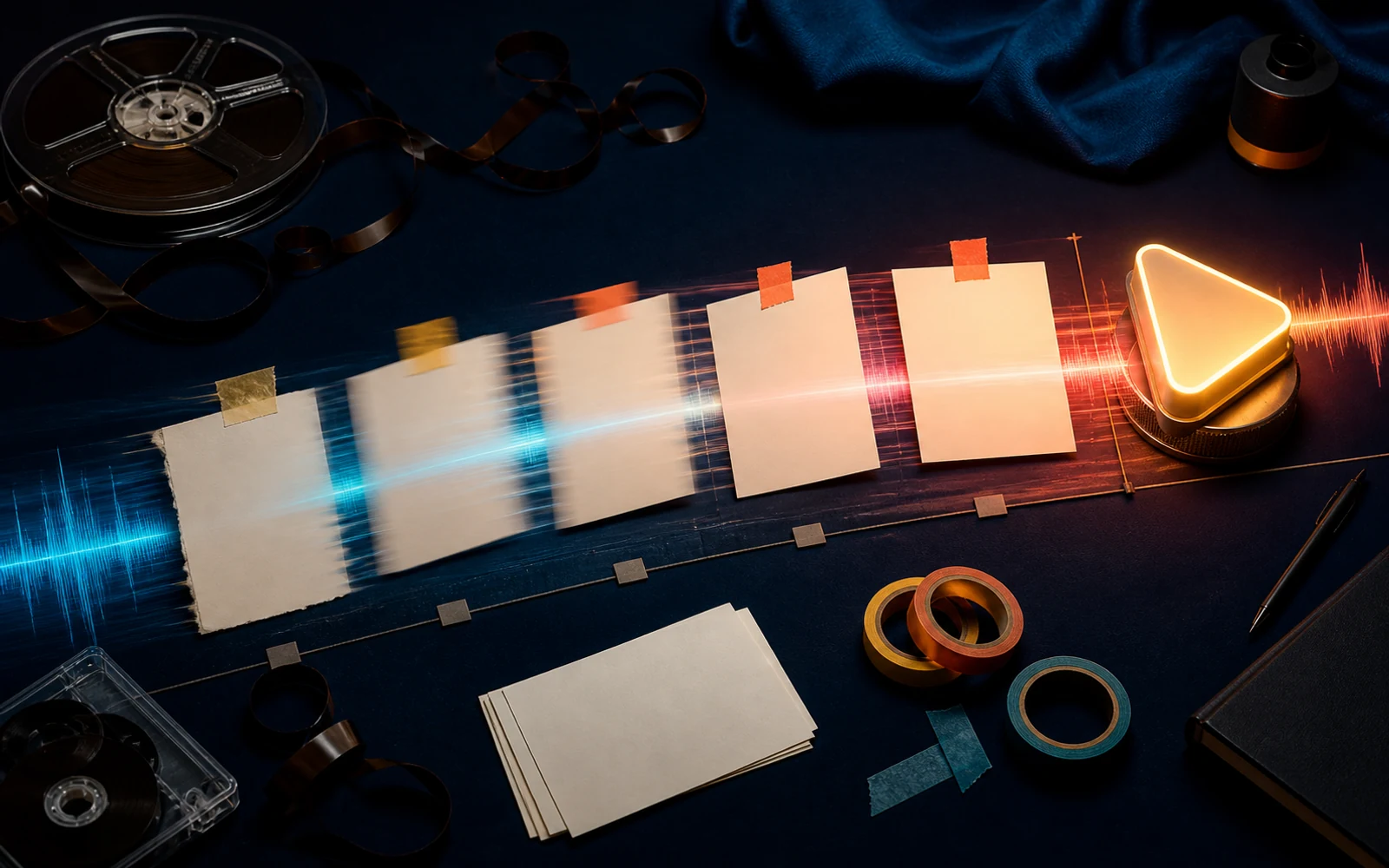
Writers learn by listening to how songs are put together. The stem splitter separates a track into as many as twelve parts, so you can hear what the piano does under the verse or where the backing vocals enter.
It is equally useful on your own demos: keep the drums and bass you like, and rewrite what sits above them.
Hear the main voice and the harmonies separately.
Drums and bass come out on their own for study or replacement.
Guitar, piano, keys, strings, brass, woodwinds and synth are split where present.
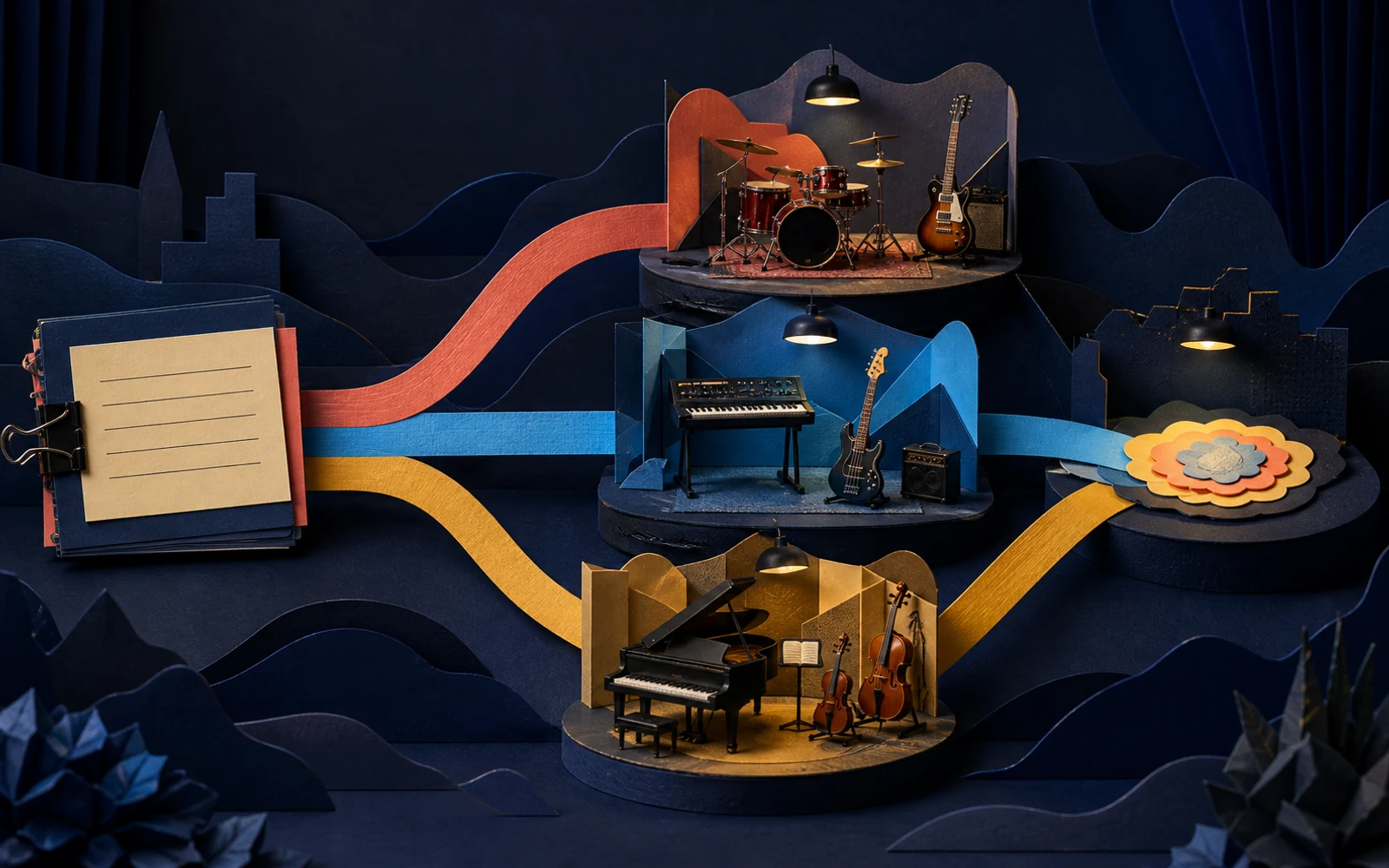
Use your own songs or ones you are permitted to work with.
Upload a track or choose a demo from your library.
Run the stem splitter; the credit cost is shown before you start.
Solo each part in the player or mute one to hear what the song feels like without it.
Hear how instruments enter and leave around each section.
Keep the groove of a demo and rewrite the harmony or melody above it.
Isolate backing vocals to learn how the harmonies are stacked.
A stem that sounds odd alone often sits perfectly in the mix.
Instruments sharing a range can bleed into each other a little.
Name stems by song and part before importing them elsewhere.
Up to twelve, depending on which instruments are present in the song.
The player lets you solo and mute stems. For volume balancing, download them into your editor.
Downloads are available with an active plan or purchased credits.
Yes. Every stem covers the full song from the same starting point.
Split one track, solo each part, and take the lesson into your next song.
Split into stems