Genres
The main styles the track sits in, useful for positioning your song or choosing a demo direction.
Find the words for the sound you want: genres, instruments, descriptive tags and a style summary to put in your next demo brief.
Choose a reference or a demo and start. Key details come first, with the written style summary underneath.
know what you are aiming for
Before you generate a demo in a certain style, find out how that style is actually described.
A brief like 'something like that song, but warmer' is hard for any tool to act on. A brief built from the analyzer's genres, instrument list and tags gives the song maker concrete directions to follow.
The analyzer describes musical characteristics only. It does not identify artists or song titles, and it does not copy a reference; it helps you describe the direction you want your original song to take.
Writers often know the feeling they want but not the words to ask for it. The analyzer listens to a reference track and returns its genres, the instruments it hears, descriptive tags and a short paragraph on the overall style.
Use that language to set the sound of your own demo, or analyse your demo to check whether it says what you meant it to say.
The main styles the track sits in, useful for positioning your song or choosing a demo direction.
The instruments the model detects, so you can name them in your own style description.
Descriptive tags and a written overview of the track's character and production feel.
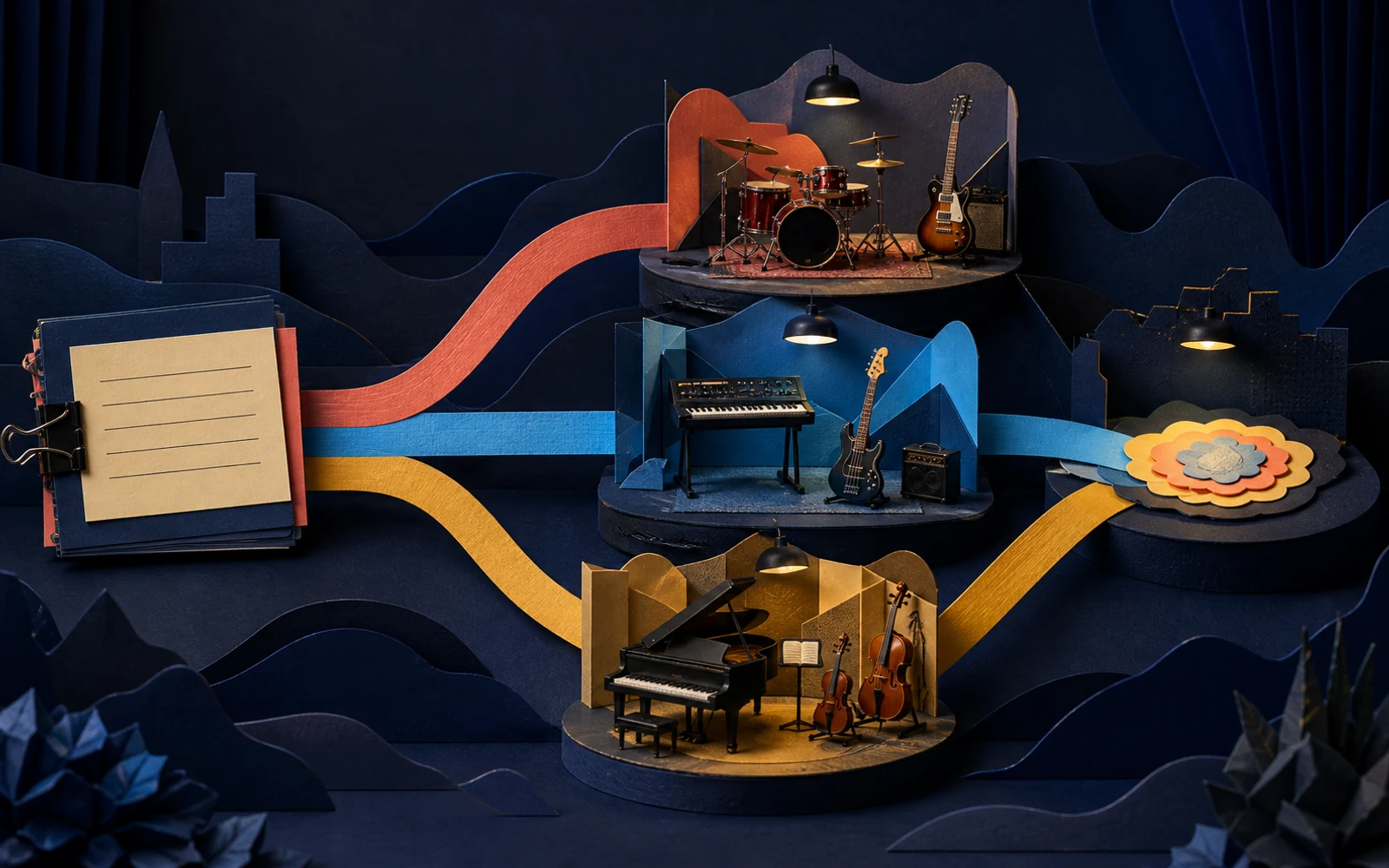
Analysis takes moments; the value comes from turning it into a sharper brief.
Upload a track that has the feel you want, or choose a demo from your library.
Note the genres, instruments and tags that match what you hear.
Combine the relevant terms into one style description for your next demo.
Describe the sound of the artist you are pitching to, then demo your song in that lane.
See whether your demo reads as the genre you intended, or whether the arrangement is sending mixed signals.
Create consistent genre and style tags for your finished songs before pitching or uploading them.
Use the terms that match your ears; ignore tags that do not describe the part you care about.
Analyse two or three tracks you love and look for the shared terms.
Low-quality copies can mislead the analysis. Use the best version you have.
Genres, detected instruments, descriptive tags and a written summary of the track's style.
No. It describes musical characteristics and is not a song-recognition service.
Yes. Upload it or choose it from your library; you need to be signed in.
Copy the matching genres, instruments and tags into the style field of the song maker.
Analyse one reference, write a sharper style line, and hear the difference in your next demo.
Analyze a track