Your words, performed
Own Lyrics mode sings the sheet you wrote, following the sections you label.
Hear your lyrics as a sung demo on SeedSong AI
 Examples
 Examples
 Examples
 Examples
 Examples
 Examples
demos from words
Give the generator your words and a direction for the sound, and hear two performances of the same song.
Prompt mode is for sketching: a sentence about the song is enough to hear a full idea, and Instrumental Only is available when you want a bed to write over. Own Lyrics mode is for when the words matter; it keeps them as written and lets you exclude styles you do not want.
Because each request returns two versions, you get two melodic answers to the same lyric. Often the best demo borrows the verse of one and the chorus feeling of the other in your next rewrite.
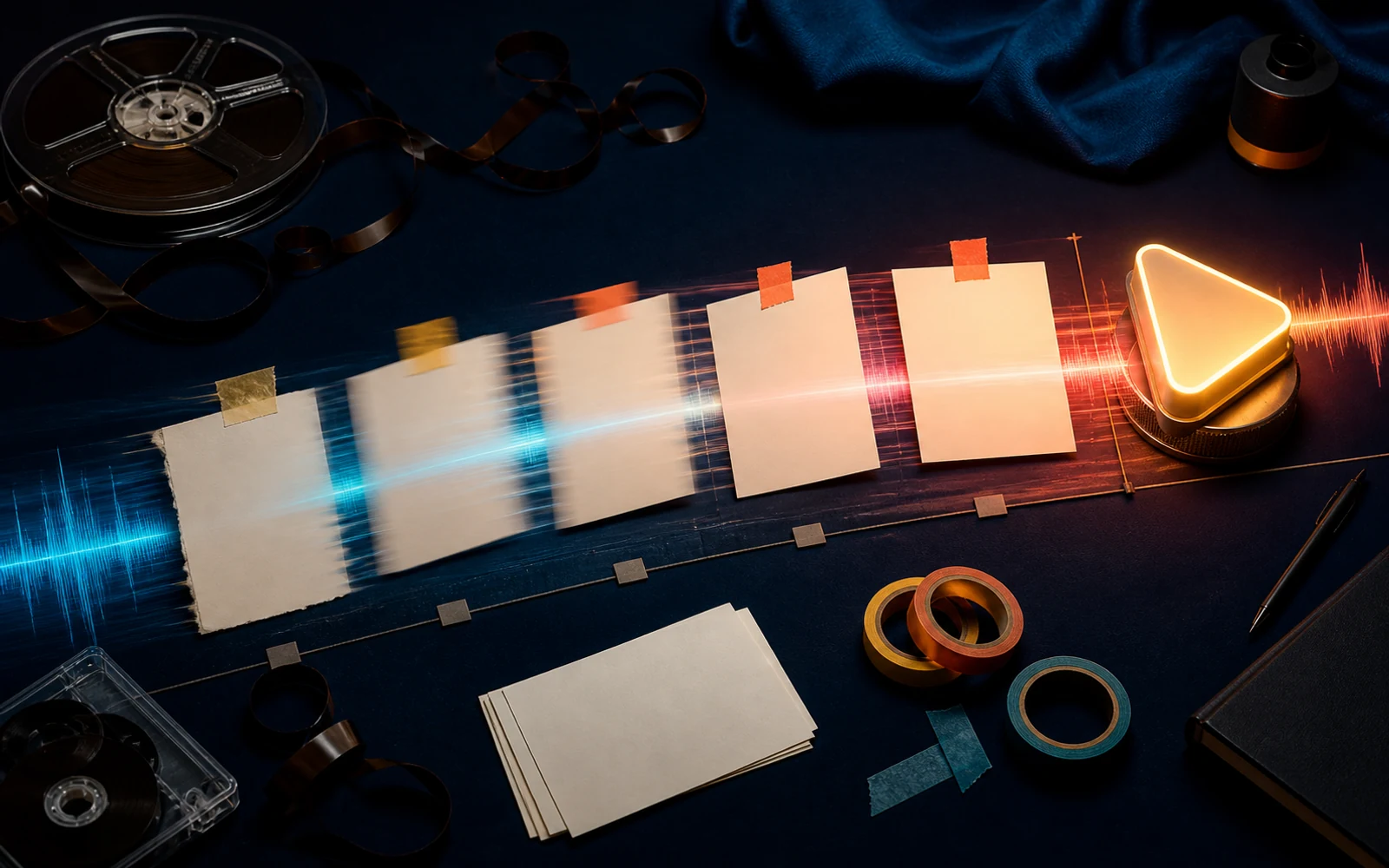
The quickest way to find out whether a lyric works is to hear it sung. The song maker takes your sheet, respects your sections, and returns two versions so you can compare melodies built on the same words.
No lyrics yet? Describe the story and mood in Prompt mode and let the generator draft everything, then bring your own rewrite into Own Lyrics mode for the next pass.
Own Lyrics mode sings the sheet you wrote, following the sections you label.
Every request returns two versions, so you can hear which setting serves the lyric best.
Describe the genre and vocal feel, and in Own Lyrics mode rule out styles that would pull the song off course.
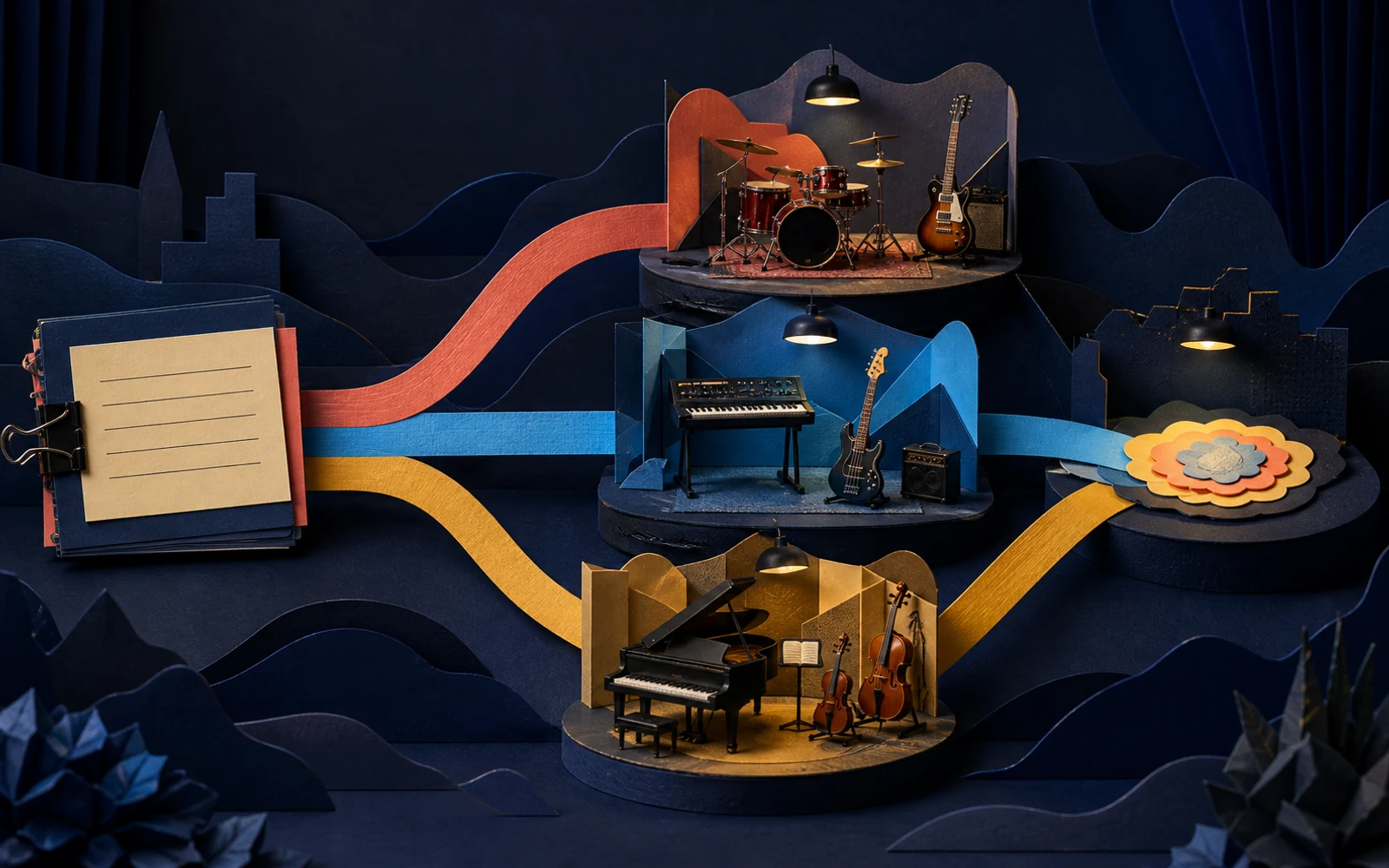
Treat each generation as a rehearsal of the song, not as the finished record.
Add your lyrics with sections marked, or describe the song in a sentence if you are still sketching.
Name the genre, tempo feel and vocal character you imagine for the song.
Mark lines that feel crowded or melodies that go flat, rewrite them, and generate again.
Hear whether the hook is singable and memorable before building the rest of the song.
Create a demo in the style of the artist you are writing for, then refine it with notes from the pitch.
Bring two contrasting demos of one idea to a co-write so the room has something to react to.
Clear labels tell the generator where the chorus returns, which keeps the structure close to your plan.
Long, uneven lines get rushed. Trim syllables until each line fits a comfortable breath.
Rewrite lyrics or change style, not both, so you know which change improved the song.
Own Lyrics mode accepts a full song sheet. Very long lyrics may be compressed into a shorter performance, so trim repeated verses if needed.
Yes. In Prompt mode, switch on Instrumental Only to get a backing track without vocals.
Each request returns two performances so you can compare melodic choices for the same words.
Yes. Extend it, remix it, or run it through the cover tool to try a different voice or style.
Paste a verse and a chorus, choose a sound, and compare two demos of your song.
Make a demo